
AI website editor: edit your website’s text by chatting with an AI

The AI editor is a connector added to your website built with AI: instead of asking me for every change, you talk directly to an assistant installed in your back office. It prepares the change, shows you a faithful preview, and nothing is published without your click. A one-off purchase, not a subscription: like the rest of the site, the connector belongs to you.

Updated on

Rewrite the second paragraph of the pricing page.

Here is the new version, with the page preview on the right.

Looks good, go ahead and publish.

Page updated

Example: you approve the preview before anything is published.
  • Prices on display Detailed quote within 24 h
  • One point of contact The person who builds your site
  • Everything is yours Code, access and hosting
  • No lock-in After 3 months of maintenance

One condition only: a website built with AI

This connector only works on a website built with AI, built by me: it is the only template that has the back office and mechanism required. It does not install on an existing WordPress website, PrestaShop store, custom software or CRM, even one I built myself. I am working on a solution able to adapt to several types of websites; in the meantime, the AI editor stays reserved to this offer.

How it works

From your back office, you talk to the assistant the way you would talk to me: “rewrite the second paragraph of the pricing page”, “add a FAQ question about delivery times”. The assistant prepares the change and shows you a preview with the site’s real styling, exactly as it will appear online. You review it, ask for adjustments if needed, then click “publish” yourself. Until you have approved it, nothing has changed on your website.

What it can do, and what it cannot

The assistant edits text within existing pages and posts, within the layout already in place. It does not create a new section, does not change the design and does not touch the code: that kind of request stays a conversation with me, quoted separately. This is intentional: a narrow scope is what lets the assistant work without risk to your site.

Security: nothing goes live without you

Two separate steps protect your site. First, the assistant prepares and shows you a preview, without ever changing the live version. Then, a second mechanism, separate from the conversation, copies the text you approved, unchanged: the assistant cannot “reinterpret” it at publishing time. Field length, formatting and required elements (headings, tags) are checked automatically before publishing is even possible.

A purchase, not a subscription

The connector is added to your website built with AI, when ordering it or later: it is a one-off purchase of €90 excl. VAT. Like the rest of the website, the connector’s code belongs to you: no subscription is required. If you can code, you are free to develop it further yourself. If you cannot code, I recommend keeping a maintenance plan: adjustments to the connector are then treated like any other request, within your plan’s included time or billed at €75 excl. VAT per hour beyond it.

Connector and maintenance: they complement each other

The connector makes you independent for text. Maintenance stays useful for everything else: backups, monitoring, and edits if you do not code yourself. You can take one, the other, or both.

Who pays for the AI subscription?

You do. The assistant uses your own AI access (a few euros a month for a small business, depending on usage), never mine: you stay in control of what you spend. If you have your own Semrush subscription, you can also enable it so the assistant checks a keyword’s search volume before writing — always on your own account, at no cost on my side.
AI website editor: frequently asked questions

What is an AI website editor?

An assistant installed in your back office that you talk to in order to edit your text. It prepares a faithful preview of the page, and nothing is published before your approval.

Can I break my website by chatting with the assistant?

No. It only edits the text of existing pages, within the layout already in place, never the code or structure. Any broader request stays a conversation with me.

Who pays for the AI subscription used by the assistant?

You, with your own access (usually a few euros a month depending on usage). I do not bill for this usage, and I have no access to it.

How much does the AI editor cost?

A one-off purchase of €90 excl. VAT, when ordering your website or later: no subscription, the connector belongs to you like the rest of the code.

Do I need to keep a maintenance plan if I buy the connector?

Not if you can code: the connector belongs to you, you can develop it further yourself. If you cannot code, I recommend keeping a maintenance plan for everything else, including adjustments to the connector.

Can I switch from classic maintenance to the AI editor connector later?

Yes, at any time: you buy the connector (a one-off purchase of €90 excl. VAT), whether or not you stay on a maintenance plan.

Can I install it on my existing WordPress or PrestaShop website?

Not for now: this connector only works on a website built with AI. I am working on a solution able to adapt to several types of websites.

They trusted me with their website

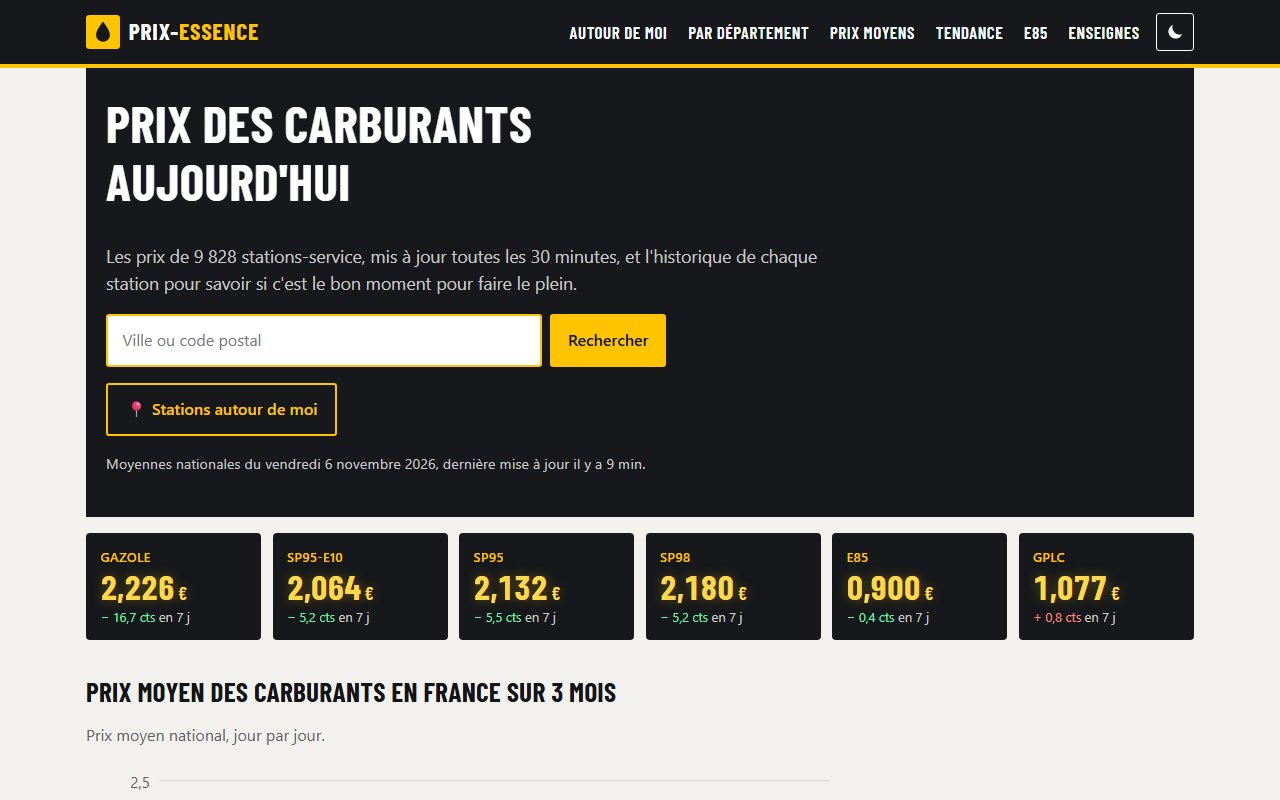
Screenshot: AI-run content websites, My own projects: prix-essence.com, recettes-du-chef.com, plat-equilibre.com
  • AI
  • Automation
  • Symfony

AI-run content websites

Three content websites built with AI that run on their own: a French fuel price comparison site with over 1,100 pages, built in 3 to 4 days, and two recipe websites where my only job is to approve.

Read the case study : AI-run content websites

Let’s talk about your project

Write to me: I reply within one working day, with a first opinion or an offer of a 30-minute video call, even if we never work together.